Motivation
Some months ago I realised I was the bottleneck.
I am someone who still likes to read the plans and outputs the LLMs create. When working on multiple projects at a time, this starts to pile up and the rate of approval and understanding drops a lot.
To add to that, I discovered the tools I was using to review the plans and outputs of the LLM were also flawed, and contributed to the problem.
Android Studio is a wonderful thing and a terrible markdown viewer. It is too heavy for viewing md files. The same goes for VS Code, though it is light compared to Android Studio, and I like VS Code, however the default view is a file editor. It is very difficult to simply read in edit mode. There are buttons and extensions that either pull up a view mode in a split view, or in a new tab. This is so unintuitive to me, and hindering in my workflow. Xcode does not really offer the choice at all.
The note apps assume they own the file
I tried Bear and Obsidian. They are both beautiful in their own way, and they both have quirks that did not fit my workflow.
Bear has the nicest reading experience I found. Its edit mode renders as you go, so you get something close to a document without leaving the editor. But bringing a file into Bear turns it into a Bear note, held in Bear’s own storage. Your .md file on disk carries on existing, untouched and now out of date. Edit the note and you have edited a copy.
Obsidian has the same shape with a different mechanism. It is vault first. A markdown file sitting in a repo is not really something it opens in place; files belong to a vault, so the file comes to the vault. You can point a vault at your project folder, and I tried that, but then Obsidian drops its own .obsidian config directory into a repo that has no business carrying my note app’s settings, and you have to do it per project.
In terms of rendering Bear was better, and a combination with VS Code is the spot I wanted. VS Code handled diagrams well up to a limit on how large they get. Bear did better but still struggled a bit. Along this process I discovered dot, which I will talk about later.
I also want to be able to directly edit the file and follow along, when I am collaborating with an agent. I need to tweak some things here and there, and I find it faster for me.
What Galley is
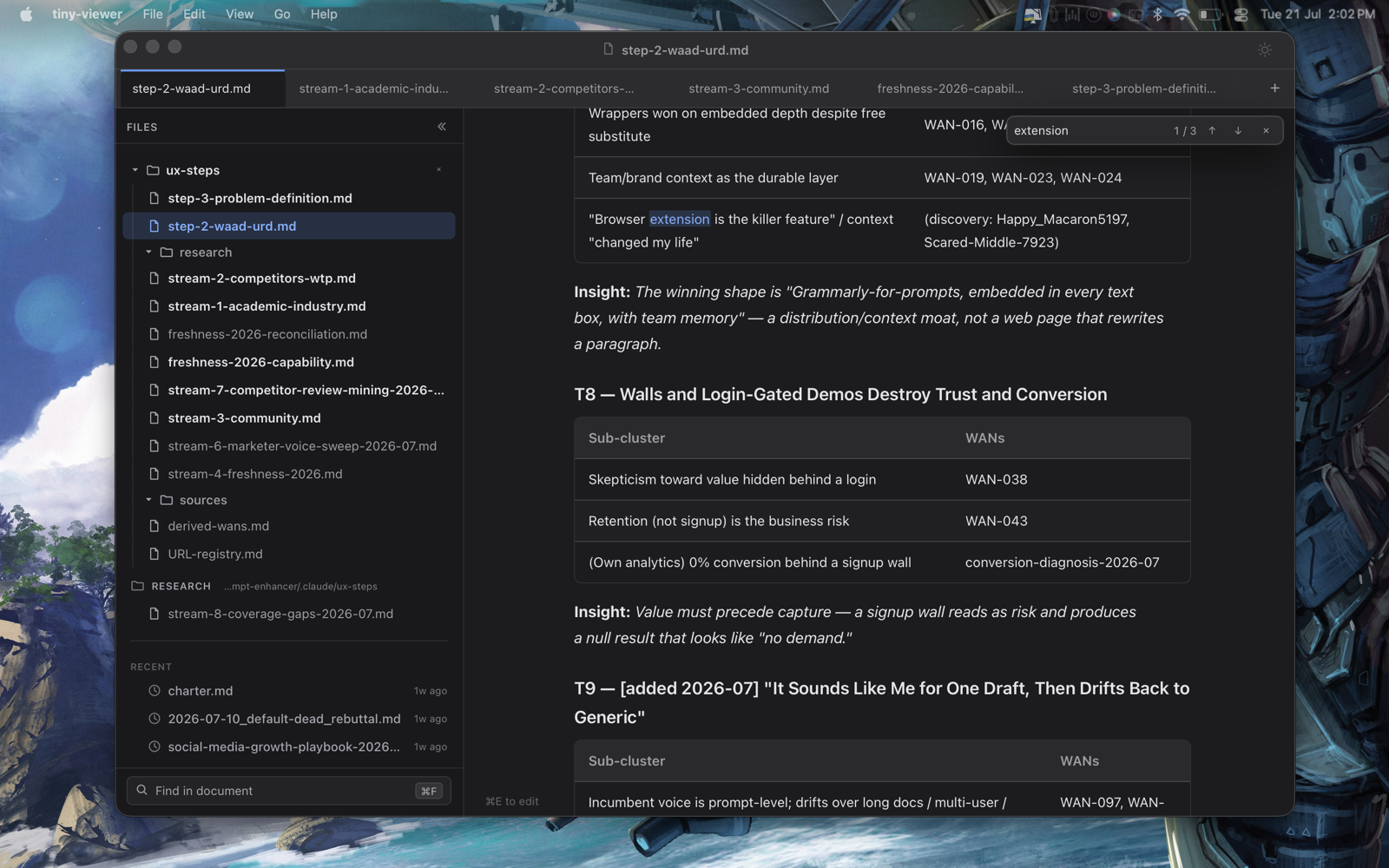
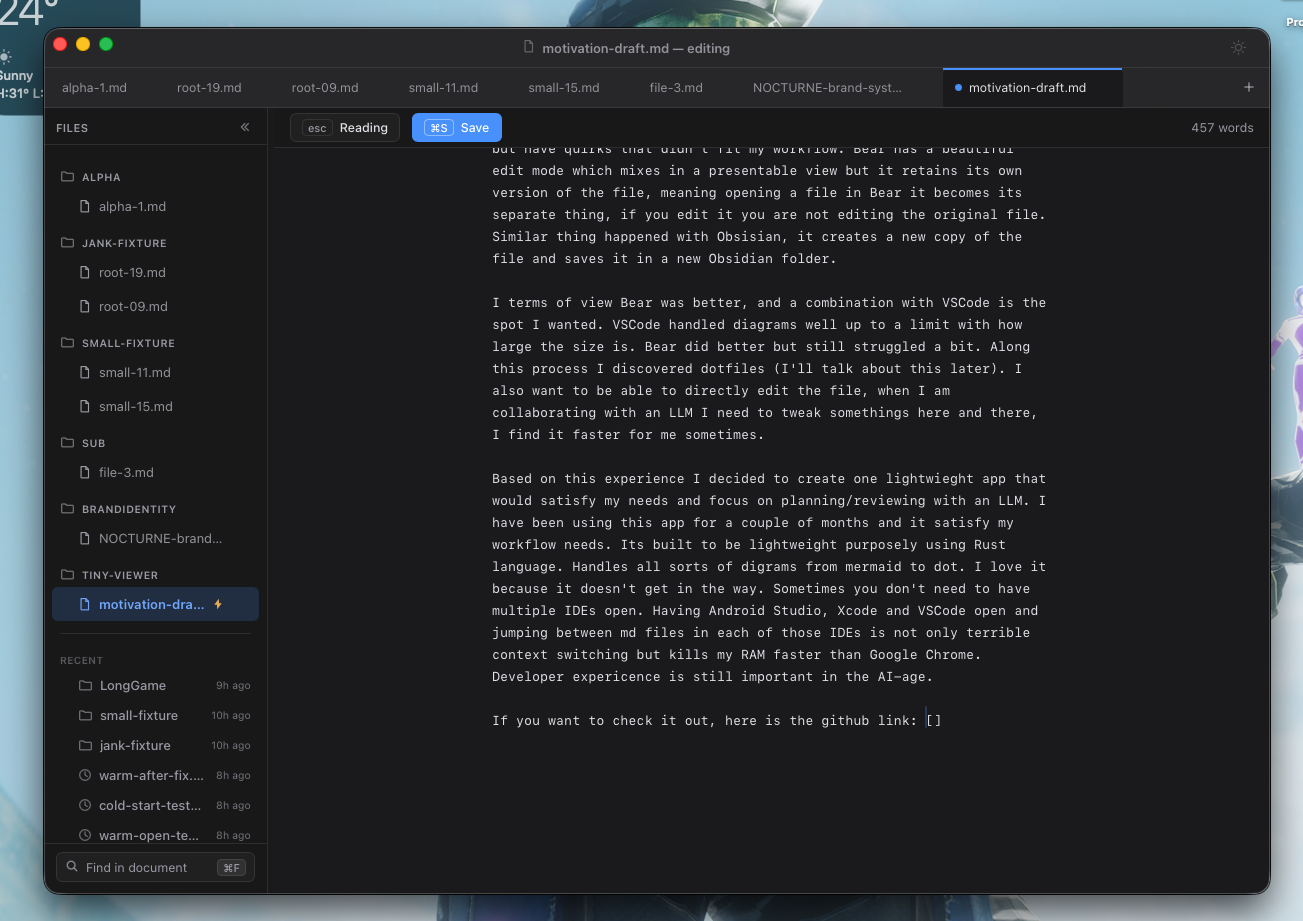
So I built Galley, a native macOS reader for reviewing documents that a model wrote and I have to approve. It opens the file that is already on your disk and renders it properly. When you fix a line and save, you have edited that same file, at that same path, and your agent reads your edit on its next pass.
How it manages that:
- Rust and Tauri v2 on the system WKWebView. No Electron, so the app is not shipping its own copy of a browser engine just to show you a document. The Rust process sits at 34MB; counting the system WebKit processes it borrows, a fresh launch is around 110MB, against the 200-300MB an Electron app costs before it has done anything at all.
- Zero custody of your file. No import, no vault, no database, no sync, no account. The app writes to disk only when you explicitly save, and it leaves nothing behind in your repo.
- Reading is the default and editing is one keystroke away. Every IDE I use has that arrangement backwards for this job, and after a week of working the other way round you feel it.
- It watches the file while it is open. When the agent rewrites the plan underneath you, the view updates in place and keeps your scroll position, so you are not thrown back to the top. That one sounds small until you have lost your place in a 500 line document for the fourth time.
- Mermaid and dot diagrams render on first load, with no plugin to hunt down, because a lot of what a model hands me arrives as a graph.
The nicest thing I can say about it is that it does not get in the way. I no longer have Google Chrome, Android Studio, Xcode and VS Code all open just to read four markdown files across four projects. That is a lot less context switching, and considerably less RAM.
Three objections I would raise if I were you
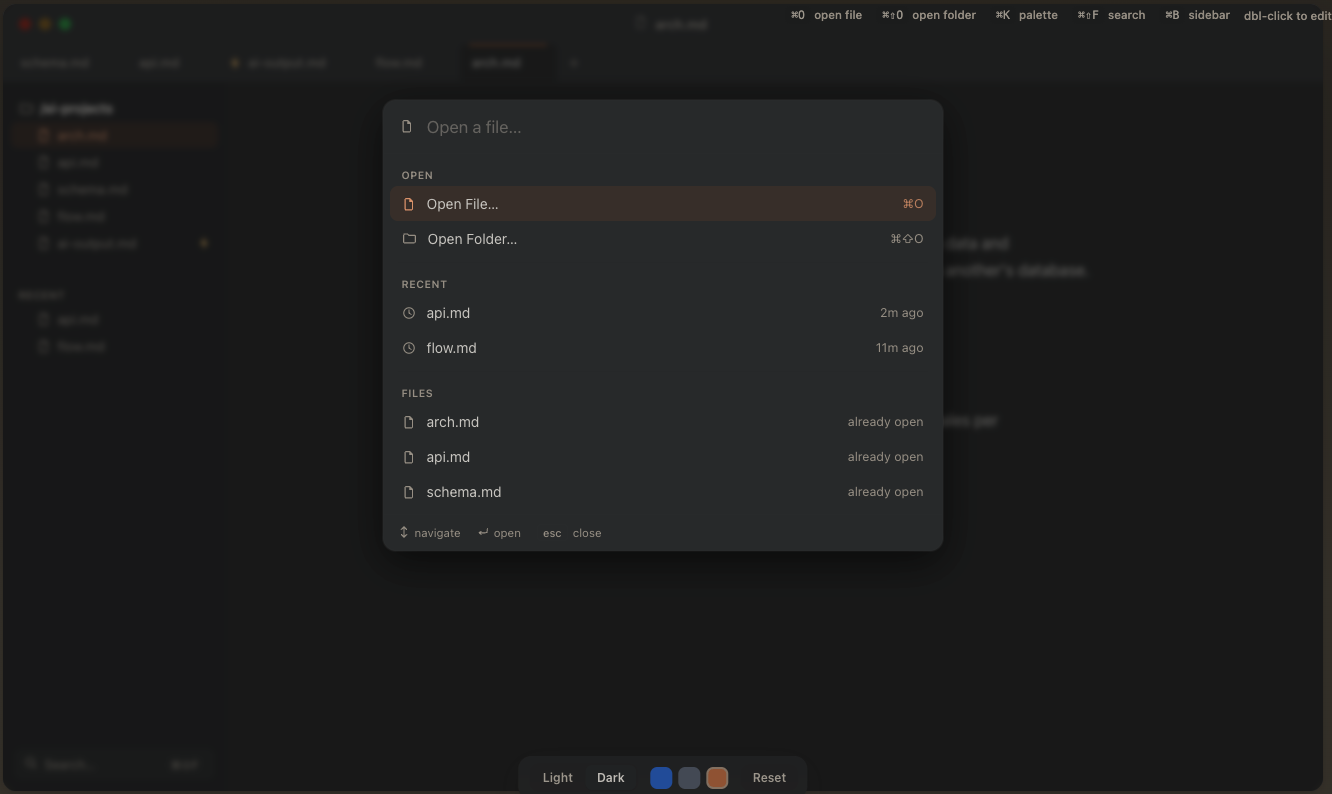
“VS Code already renders markdown.” It does, behind a keystroke, in a pane, in an application whose whole posture is that you are about to type. Try it across eight files from four projects and count the actions. Each individual step is trivial, and you pay it a dozen times a session on documents you did not write. In Galley that trip is ⌘K, then the file, and it does not matter whether that file lives in a folder you have ever opened before.
“Obsidian can open any folder as a vault.” True, and I tried exactly that. It works, at the cost of configuring a vault per project and letting a config directory into repos I share with other people. It is a workaround for a tool doing its actual job somewhere else.
“110MB versus a few hundred, who honestly cares.” On its own, nobody. It matters on a machine already running agents, model processes and two IDEs. For a while my real setup was Bear for reading and VS Code for editing, and I called that a workflow. It was two apps covering for one product that did not exist.
What I want next
I am not really launching this at you today. What I want first is about ten people who genuinely review AI output every day, using it for a week and telling me where it falls over. That feedback is worth more to me than any number of downloads, and it decides what the first public version looks like.
Two threads I want to pull on after that.
The first is dot, the Graphviz language I fell into while chasing the diagram problem. It deserves its own post, because it makes a cleaner diagram than mermaid for dense information.
The second is making the reading surface smarter about what it is showing you. Right now Galley has no idea that this document is a plan, or that section three is a list of decisions waiting on my approval. That is the obvious next thing to build and also the fastest way to ruin a small tool, so let us leave that for another day.
The source is here: Galley on GitHub. There is no packaged release yet, so for now it is a build-it-yourself affair.
If you spend your week reading documents an agent wrote, I would like to know what you read them in and where it gets in your way. And if you clone it and run it for a week, tell me where it falls over. That is the most useful thing anyone can send me right now.